
Menu API
Initialized Menu Builder and WP Menu expose bdMenu on their inner .breakdance-menu. Wait for scripts; do not create another AwesomeMenu instance.
JavaScript
window.addEventListener('load', () => {
  const root = document.querySelector('.site-navigation .breakdance-menu');
  const menu = root?.bdMenu;
  const dropdown = root?.querySelector('.breakdance-dropdown');
  if (!menu || !dropdown) return;

  // Example: open the first dropdown in this particular menu.
  menu.openDropdown(dropdown);
});
Pass the actual dropdown HTMLElement from this menu, not a selector or another menu's node. Connect the call to your intended event.
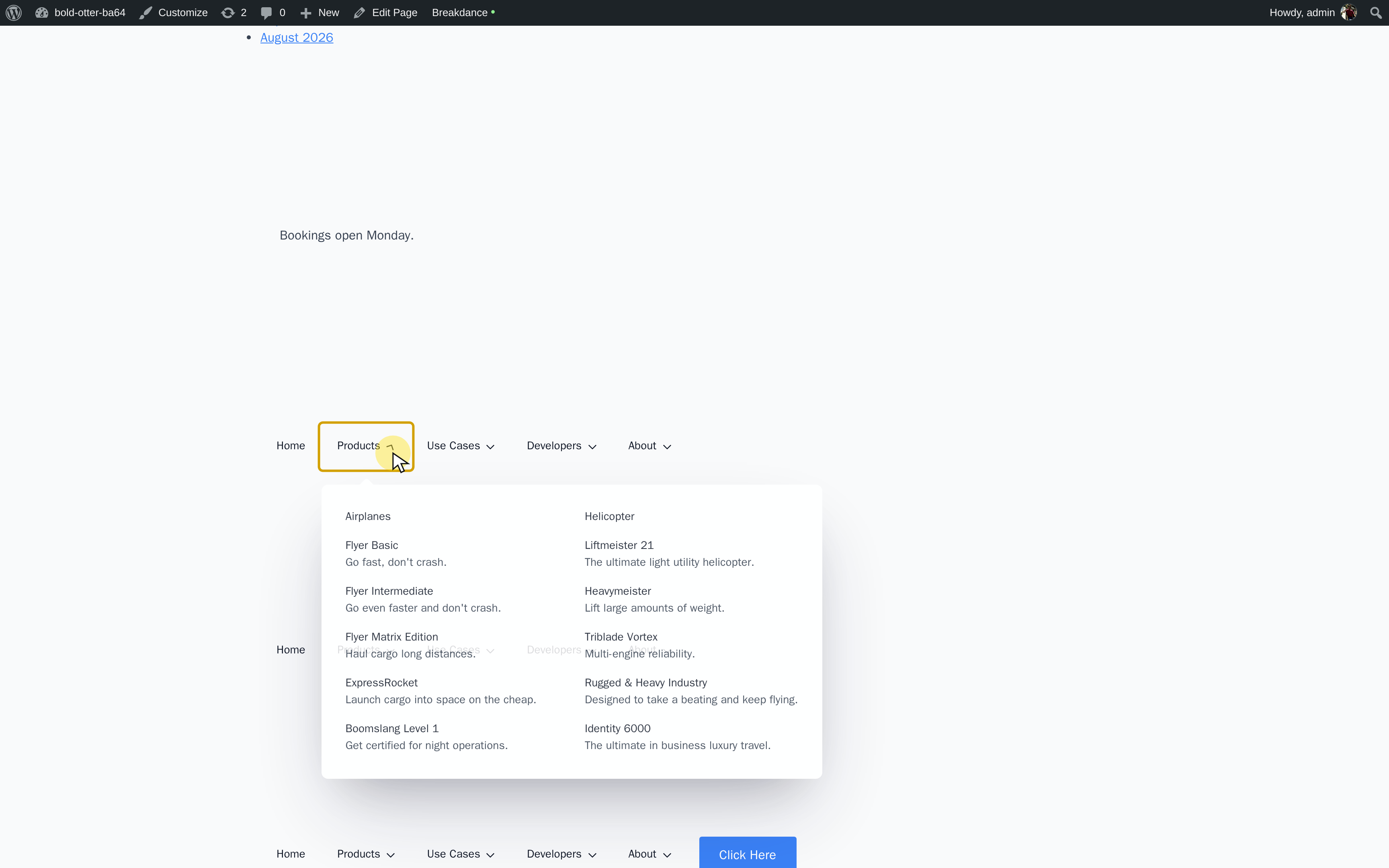
Control Dropdowns and the Mobile Menu
Once menu and dropdown have been obtained as above:
JavaScript
menu.openDropdown(dropdown);
menu.closeDropdown(dropdown);
menu.closeAll();
menu.toggleMobileMenu();
Call the method matching the intended interaction; the lines above illustrate separate operations.
Methods
| Method | Arguments and result |
|---|---|
openDropdown(node) |
Opens the supplied dropdown HTMLElement and closes other dropdowns in this menu. No meaningful return value. |
closeDropdown(node) |
Closes that dropdown HTMLElement. No meaningful return value. |
closeAll() |
Closes this menu's dropdowns. It does not mean close the entire mobile navigation. |
getOpenDropdown() |
Returns the runtime's dropdown wrapper object, or null when none is open. This is not the HTMLElement accepted by openDropdown(). |
refreshDropdowns() |
Recalculates dropdown alignment, useful after a layout change. |
toggleMobileMenu() |
Toggles mobile navigation; returns a Promise that resolves when its animation finishes. |
isMobile() |
Returns a boolean using the configured mobile breakpoint. |
isDesktop() |
Returns the inverse of isMobile(). |
isVertical() |
Returns whether the menu has vertical layout enabled. |
See the official reference. Missing bdMenu indicates selector or initialization/order issues. Mobile behavior follows the configured breakpoint; closeAll() closes dropdowns, not mobile navigation.