
Global Form Styles
Global Form Styles set the shared appearance of forms across your site. An individual form’s local styles override these defaults.
Edit Global Form Styles
- Open the top bar menu and choose Global Settings > Forms.
- Customize the shared field, typography, button, message, or stepper styles.
- Save your changes.
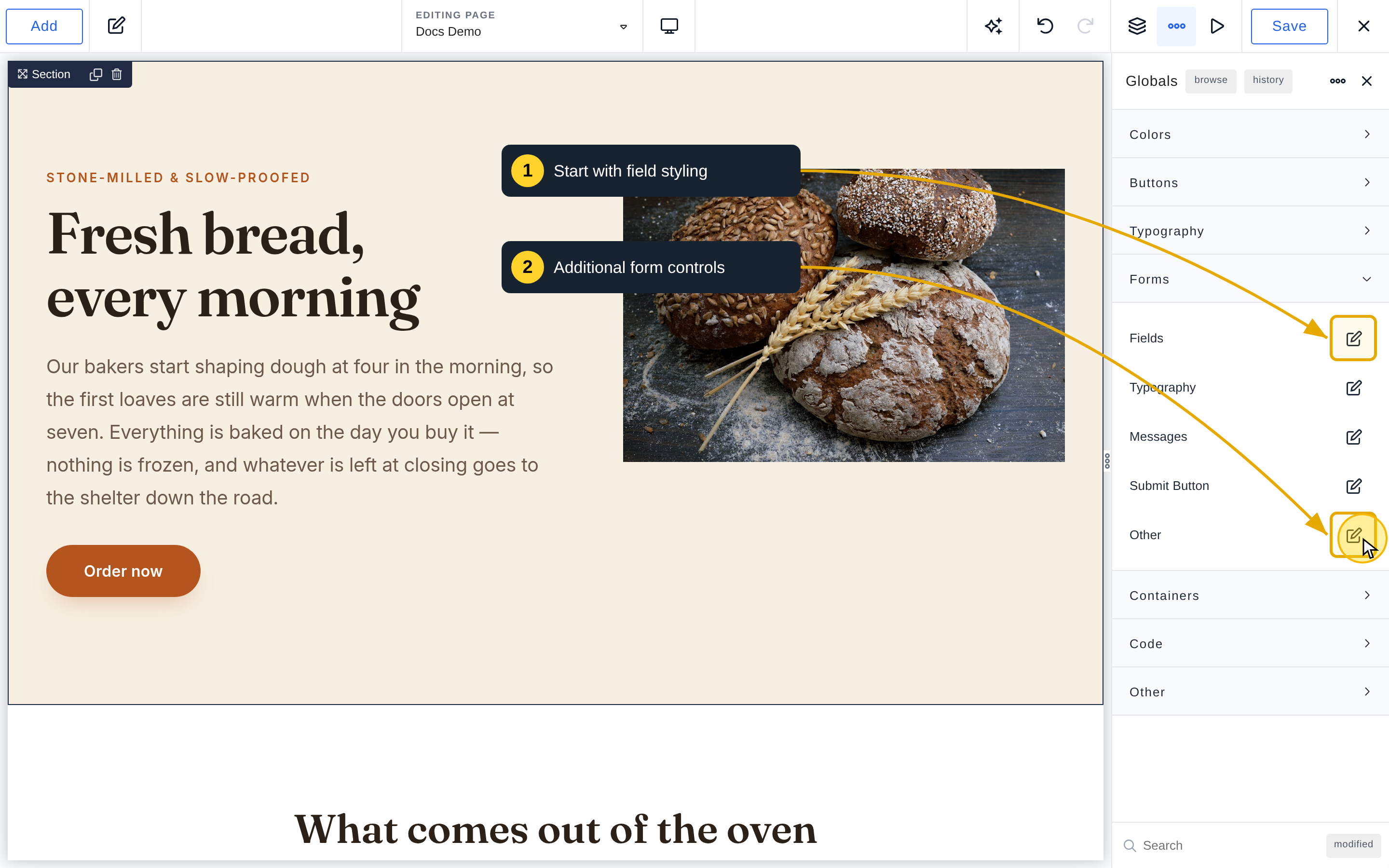
See the Global Forms controls reference for all settings. To override them on one form, see Individual Form Styles.