
Custom PHP Conditions
Custom PHP conditions use your PHP code to decide whether an element displays or a template applies.
Adding a Custom PHP Condition
- Open the element’s or template’s conditions and click Add Condition.
- Choose Custom PHP from the Other group, then click Open PHP Editor.
- Enter PHP that returns
truewhen the condition should pass orfalsewhen it should fail. Omit PHP tags and a wrapping function. - Apply the conditions and save your changes.
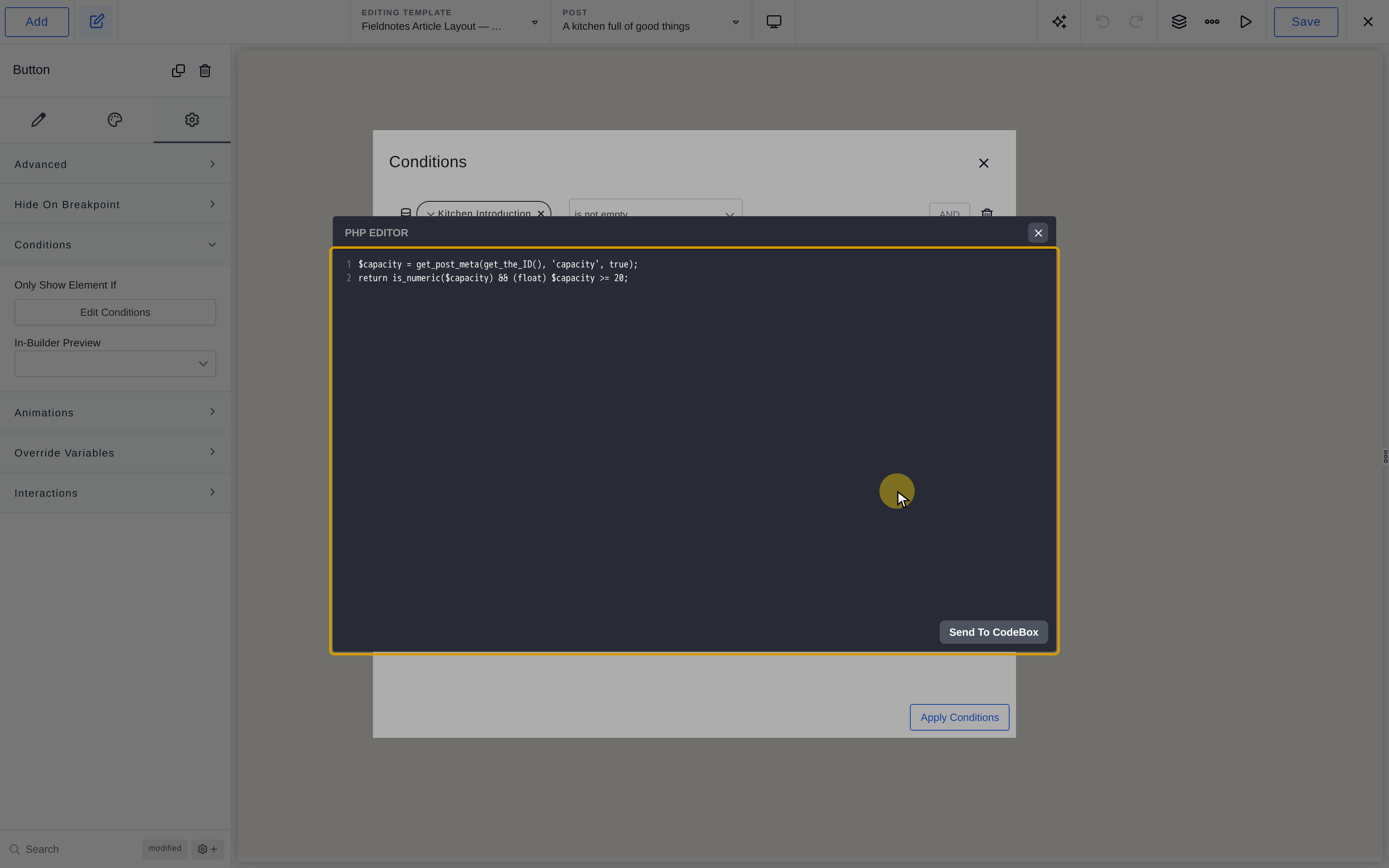
For example, this condition passes when the current post has the featured tag:
PHP
global $post;
if ($post && has_term('featured', 'post_tag', $post)) {
    return true;
}
return false;
To register a reusable named condition, see the Conditions API.