Single Templates
A single template provides a shared layout for individual posts, pages, or custom post type items. Use Dynamic Data to display data associated with the current item, such as its title, content, custom fields, and other values.
Create a Single Template
- Go to Breakdance > Templates > Add Template and choose Add Custom Template.
- Enter a Title.
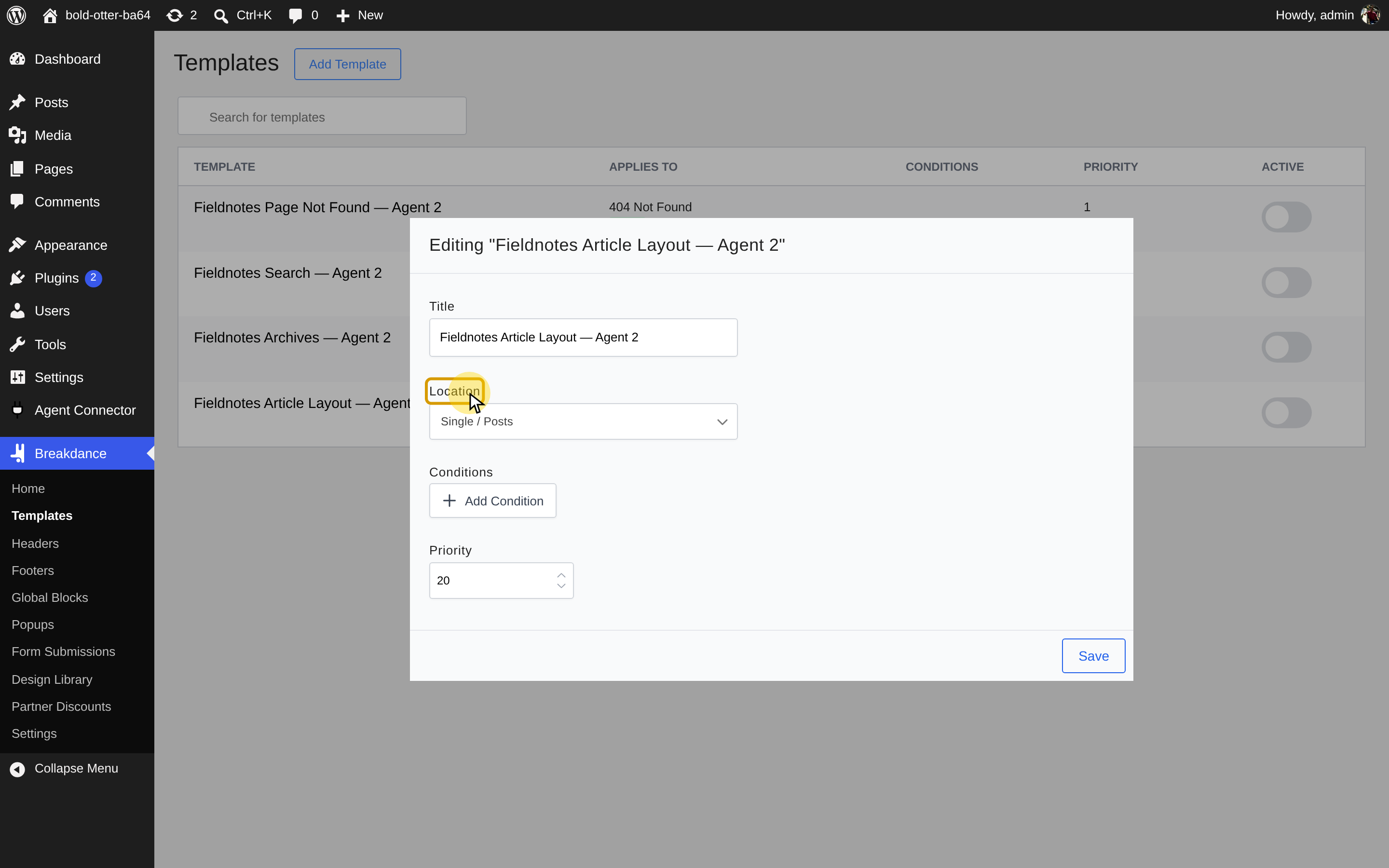
- Under Location > Single, choose Posts, Pages, Media, or a custom post type on your site to target individual items of that type, or All Singles to apply across post types. Click Add template.
- Click Edit in Breakdance to build the layout.
Editing the Template in Breakdance
Go to Breakdance > Templates, hover over your template, and click Edit in Breakdance. Add and style elements as you would on a page, then click Save.
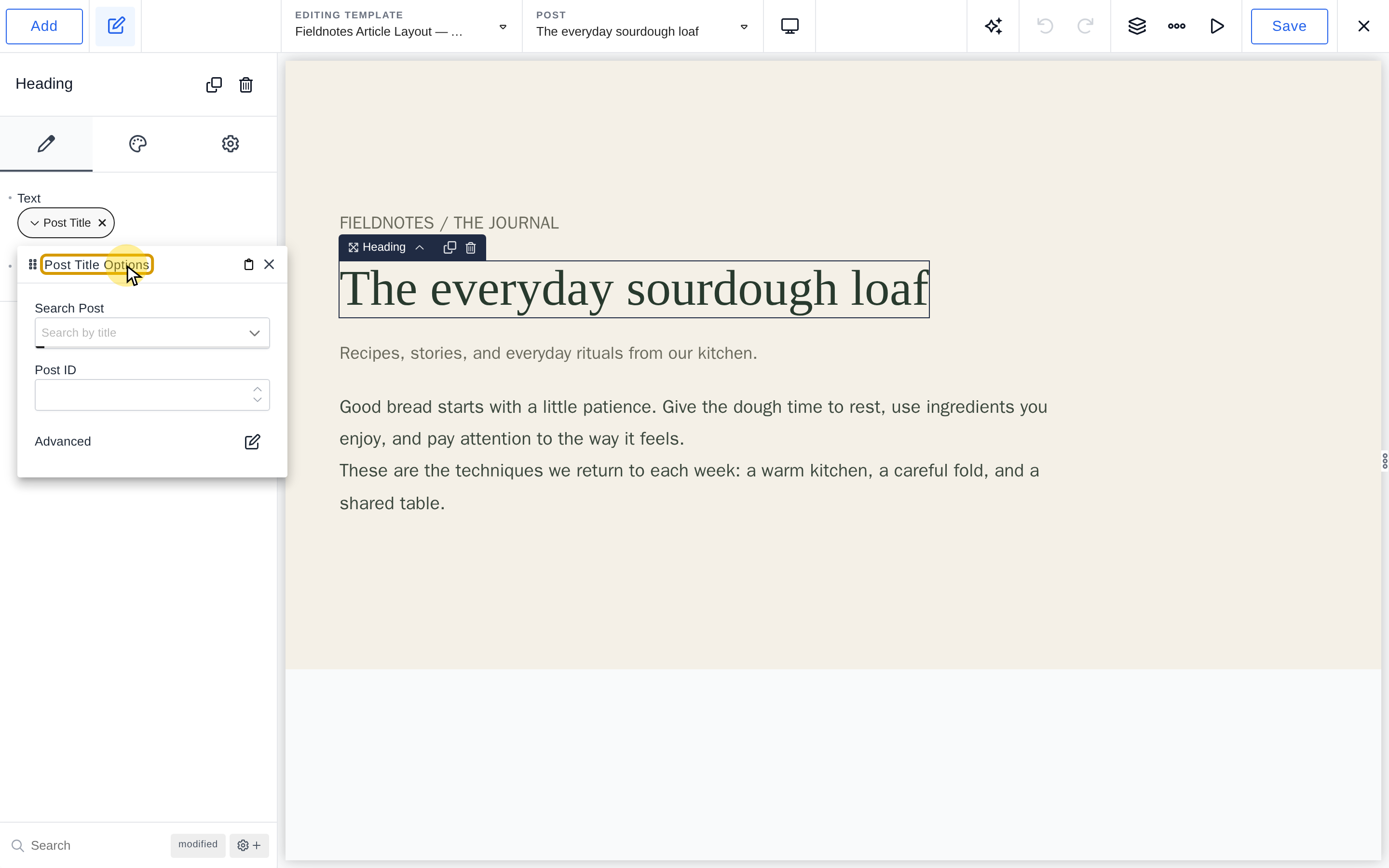
Link design elements to dynamic data from the item rendered by the template—for example, a Heading to its post title, an Image to its featured image, or text to a custom field. The same design then displays each item's own content. See Dynamic Data for how to connect controls to these values.
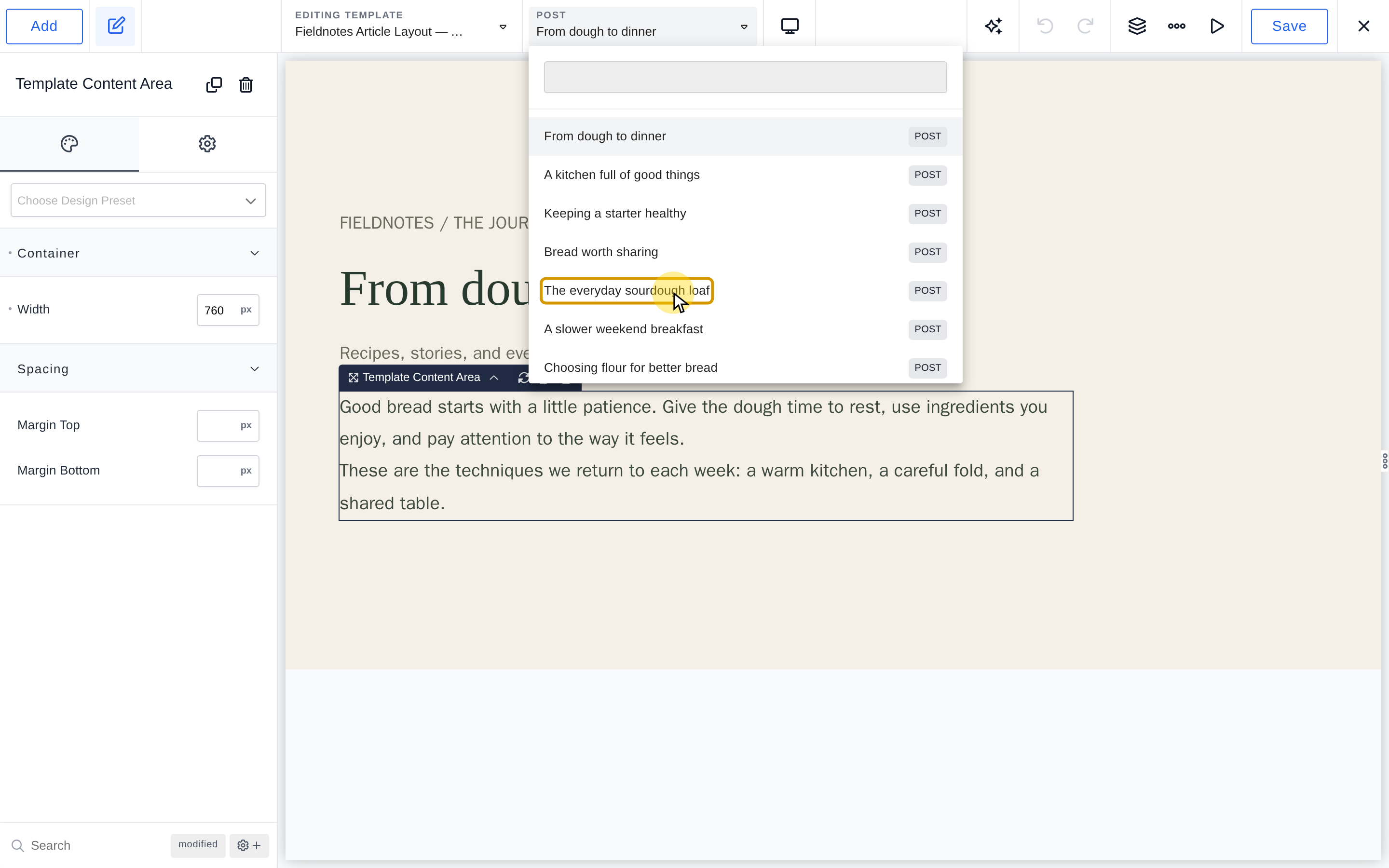
Change the Preview
Click the current preview item's name in the top bar, beside the template name, then search for or select another post, page, or matching item. The editor shows the template with that item's data.