


September 27, 2024
Are you looking for the best WordPress theme builders? Building a WordPress website no longer requires deep technical expertise. With the rise of theme builders, anyone can design and customize a professional website with ease. Whether you’re a novice or an experienced developer, these tools offer the flexibility and control needed to create a unique online presence.
In this article, we’ll explore 6 of the best WordPress theme builders, breaking down their key features, pricing, and suitability for different user needs, helping you find the perfect tool for your next project.
A WordPress theme builder allows you to use a drag-and-drop visual editor to design theme pages for a website. They offer significant advantages, such as:
To pick the right theme builder, keep an eye out for these key features:
The below comparison table highlights the key features and strengths of six top WordPress theme builders, offering insights into ease of use, customizability, performance, and integration capabilities for different website needs.
| Feature | Breakdance | Oxygen | Divi Builder | Beaver Builder | Elementor | Blocksy |
| Ease of Use | Visual editor, drag-drop | Learning curve | Beginner-friendly | User-friendly | Easy to use | Simple and intuitive |
| Building Blocks | 70+ elements | 40+ elements | 46 modules | 30+ modules | 100+ widgets | 15+ elements |
| Template Library | 18 pre-designed templates | 55+ templates available | 800+ templates | 170+ templates | 300+ | 20+ templates |
| Customizability | High customizability | Deep level of with CSS and JS support | Easily customizable | Comparatively less Flexible | High flexibility | Moderately customizable |
| Performance | High performance due to better code | Lightweight, fast | Balanced performance | Reliable performance | Moderate performance | Speed-optimized block theme |
| WooCommerce Support | 35+ WooCommerce elements | 20+ WooCommerce elements | 25 WooCommerce modules | 15 WooCommerce modules | 24 WooCommerce widgets | 12 WooCommerce elements |
| Pricing Plan | Starts at $99.99/year | Starts at $129 for lifetime access | Starts at: $89/year | Starts at $99/year | Starts at: $59/year | Starts at $69/year |
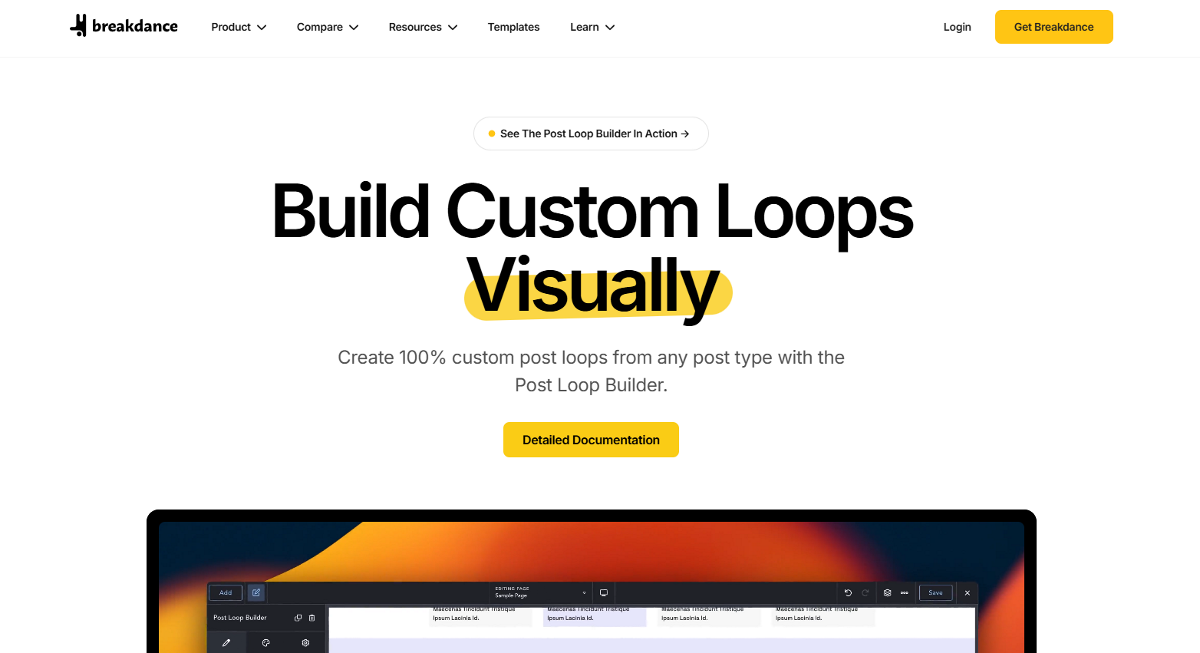
Breakdance is a user-friendly yet powerful theme builder that offers deep design control. Its drag-and-drop interface, combined with dynamic content support and advanced styling options, makes it an excellent choice for users who want to create polished, feature-rich websites without complex coding.
Breakdance offers a range of flexible pricing options to accommodate various needs. The plugin provides a free version that allows users to explore its page builder features. For those requiring the theme builder and other premium features, paid plans are available starting at $99.99 per year for a single-site license. Additionally, Breakdance offers a Pro Unlimited plan priced at $199.99 annually, which grants users the ability to use the plugin on unlimited sites.
Read More: Breakdance Builder Ultimate In-Depth Review for 2024
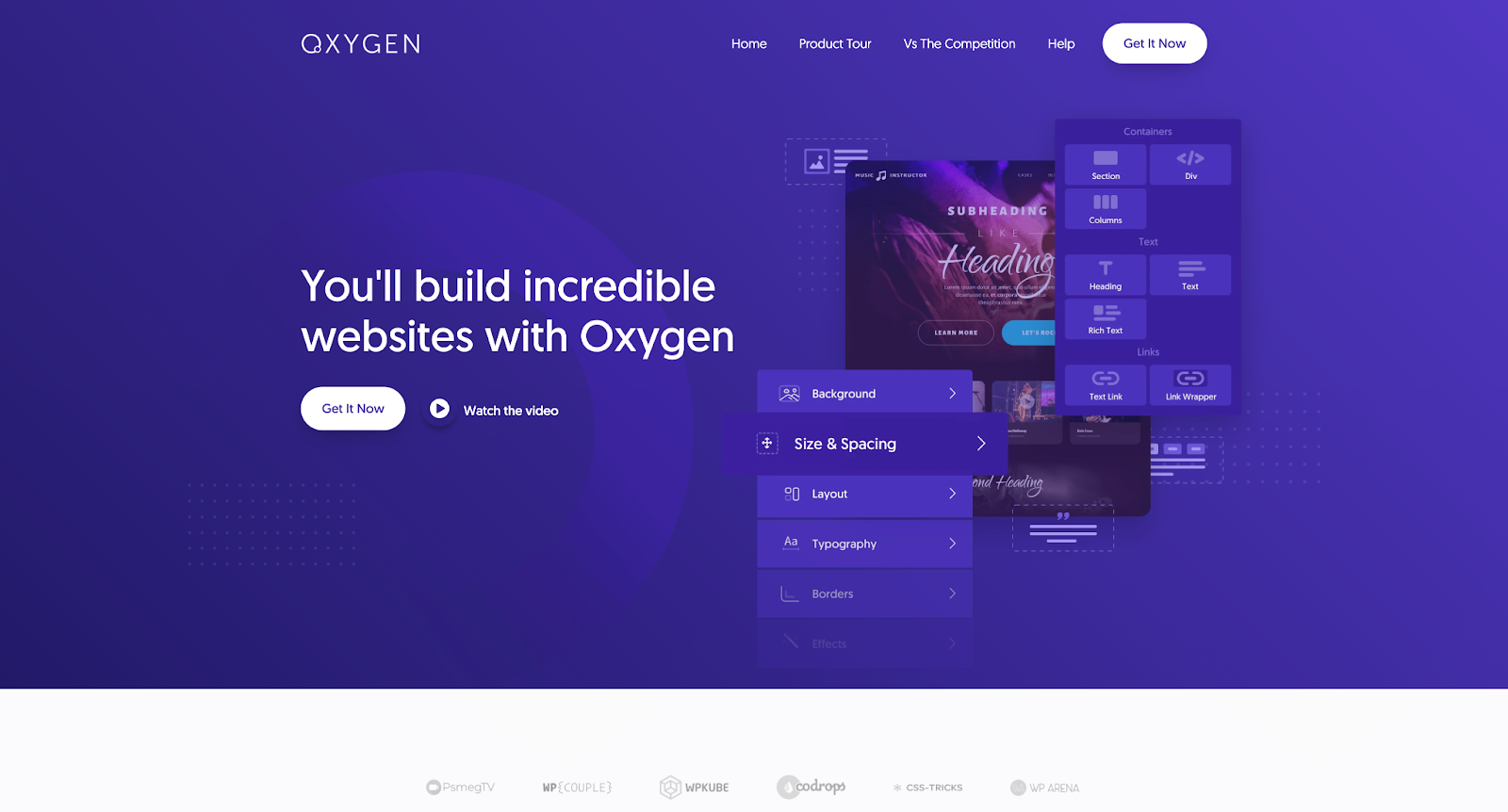
Oxygen is a standout choice for users who prefer a code-oriented design approach. It’s a developer-friendly builder known for its flexibility, lightweight structure, and high performance. Oxygen provides the precision needed for pixel-perfect designs and offers robust support for custom layouts and functionalities.
Oxygen offers three main pricing tiers to cater to different user needs. The Basic plan, priced at $129, is ideal for single-site use and provides access to core design tools. For those requiring eCommerce functionality, the WooCo plan is available at $149. For users seeking the most comprehensive solution, the Ultimate plan is offered at $179. All of the plans come with unlimited licenses and lifetime updates and support.
Divi Builder is one of the most popular WordPress theme builders on the market, known for its visual interface and vast template library. It’s a versatile tool for creating responsive websites quickly, with drag-and-drop functionality that’s accessible for beginners and experts alike.
Divi offers a range of pricing options to suit different needs and budgets. The standard Divi plan is available for $89 per year, providing access to the core features. For those seeking additional functionality, the Divi Pro plan is priced at $199 annually. Users looking for a long-term solution can opt for the Divi Lifetime plan, which is a one-time payment of $249. Divi also offers a plan that includes DIvi Builder lifetime access with Pro Services for $297, with an annual renewal fee of $212 for continued Pro Services.
Read More: Divi Builder: A Complete Review

Beaver Builder is praised for its user-friendly experience and stable performance. Whether you’re building a blog or an eCommerce site, Beaver Builder’s clean interface and WooCommerce integration make it a reliable choice for those who want a straightforward, no-fuss builder.
Beaver Builder offers several pricing tiers, but you’ll need both Beaver Builder and Beaver Themer for full theme building capabilities. The Beaver Builder pricing starts at $99/year and the Beaver Themer costs $147/year on top of this. The add-on comes included with the higher tier Ultimate plan, which costs $546/year.
Read More: Beaver Builder Ultimate Review
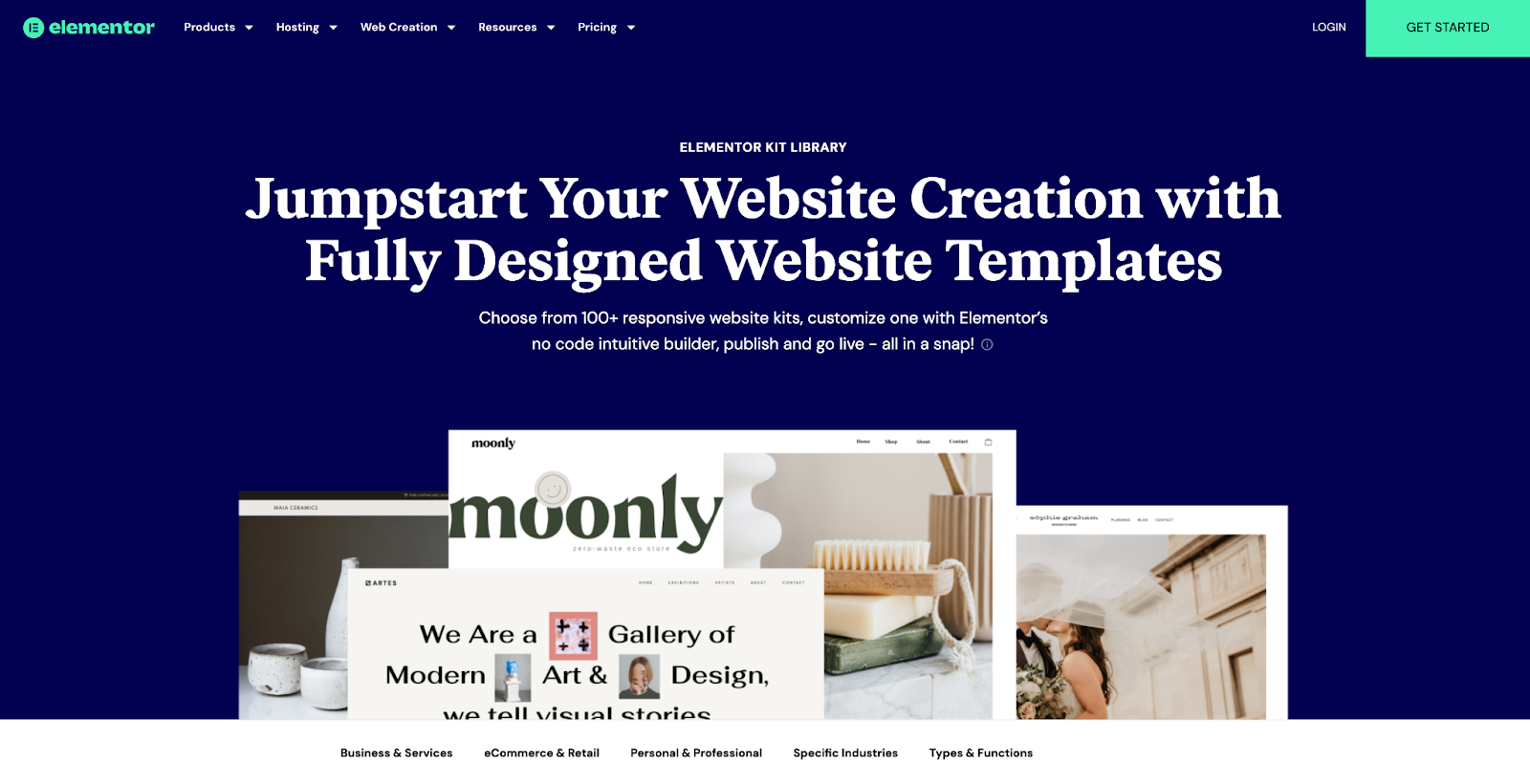
Elementor is one of the most widely-used WordPress theme builders, offering a comprehensive range of widgets and customization options. With its theme builder, you can design headers, footers, and templates with precision, all while enjoying a smooth user experience. It’s a go-to for those who need both ease of use and extensive design control.
Elementor offers several pricing tiers, with the Pro version required for theme building capabilities. The pricing starts at $59 for 1 site, $99 for 3 sites, $199 for 25 sites, and $399 for 1000 sites. All of these prices are yearly.
If you’re deciding between Elementor and another major builder like Divi, this in-depth look at how Elementor and Divi compare offers valuable insights into their strengths and differences. The head-to-head breakdown explores performance, features, pricing, and user experience to guide your decision-making process.
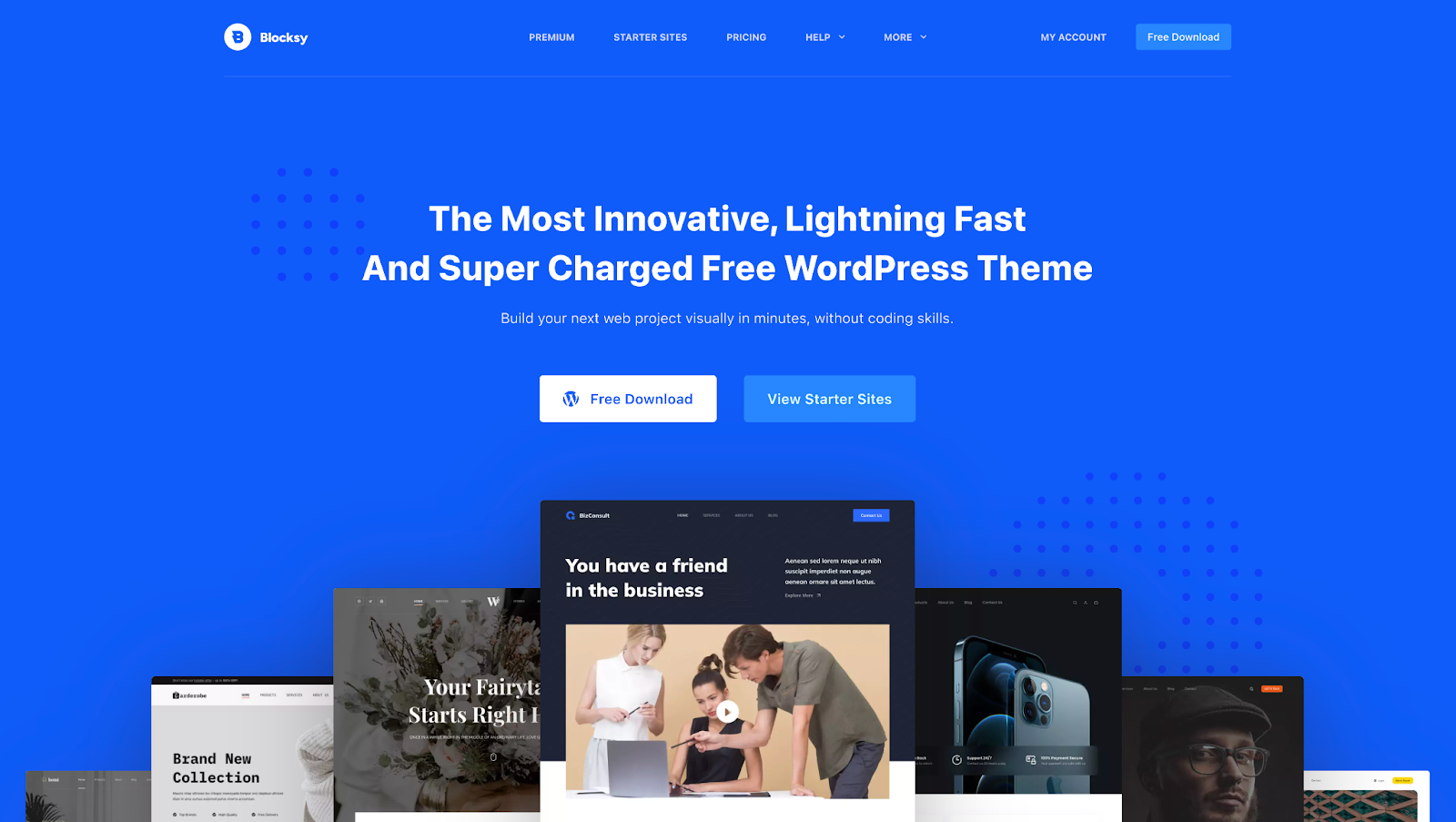
Blocksy is a lightweight, speed-optimized theme designed with the Gutenberg editor in mind. Its seamless integration with WordPress’s native editor and efficient performance make it an ideal choice for users who prioritize speed and a clean design. It offers theme builder via its Content Blocks features.
Blocksy offers flexible pricing with both annual and lifetime options. The Personal plan starts at $69 per year for a single-site license. The same plan with a lifetime license costs $199. There are also other plans with 10 and unlimited site licenses.
Read More: Blocksy: An Innovative WooCommerce Theme with a Near-Perfect User Rating
Breakdance stands out as the best WordPress theme builder, offering a perfect balance of user-friendliness and powerful design features. Its advanced styling, dynamic content capabilities, and intuitive drag-and-drop interface make it an excellent choice for both beginners and experienced developers. Breakdance also excels in WooCommerce integration, letting you use the same drag-and-drop builder to design dynamic shop pages.
For those seeking a highly customizable and performance-oriented builder, Oxygen is a strong alternative. It offers extensive control and flexibility, making it an excellent option for developers who prefer a code-oriented approach while still delivering robust customization capabilities.
If you’re looking for the best theme builder, Breakdance stands out as the top choice. Not only it’s user-friendly, but it also comes with a comprehensive set of features to design and personalize headers, footers, and page layouts to fit your unique needs
A theme provides a fixed design for your site, setting its overall look and layout. On the other hand, a theme builder like Breakdance allows for extensive customization. It offers tools to modify every aspect of your site’s design, from layout elements to specific page details, giving you greater control and flexibility.
With a theme builder like Breakdance, you can create a fully customized WordPress theme without needing to code. Breakdance provides a comprehensive set of features to design and personalize headers, footers, and page layouts to fit your unique needs, simplifying the process of building a tailor-made website. Its powerful WooCommerce integration also makes it the ideal tool for creating a custom eCommerce site.
Get maximum flexibility with unlimited licensing and domain activations.
Get your money back within 60 days of purchase, no questions asked. It's risk-free!
We offer premium support to ensure the ultimate customer experience.
For a limited time, we're offering an unlimited site license for just $199.99/year. Buy now to lock in this price.