
The 4 Best Plugins for WooCommerce Order Import
WooCommerce has no order importer. Orders arrive as files from another platform, a marketplace, or a spreadsheet, and each one has to be rebuilt by hand.
The order list can look right while the orders are wrong: one line item holding three products, a repeat buyer filed as a guest, a total that no longer matches.
In this article, we’ll rank four WooCommerce order import plugins on what each does with a file you didn’t design.
WP All Import
WP All Import is our top pick of the best plugins for WooCommerce order import because it reads the columns your order file already has and maps each one to the WooCommerce order field it belongs to. Every line item connects to an existing product by SKU, product ID, or title, and customer emails stay blocked while the import runs.
Visit WP All Import →We compared all four plugins on the same four questions. First, what does the plugin ask of the file: a layout of its own, or your export’s existing columns? Second, does every line item connect to a product already on the store?
Third, does each order land under the right customer account, or arrive as a guest? Fourth, does a second run update those orders or duplicate them?
Refunds and subscription orders sit outside this comparison. Ratings, install counts, and prices were checked against each plugin’s listing and pricing page, and the paid package is named wherever it carries the capability.
What We’ll Cover
Where WooCommerce Order Files Come From
Order files reach a WooCommerce store from three places, and the source decides what the import has to do. Each ends up as an order row in wp_wc_orders, with line items in wp_woocommerce_order_items.
A platform export gives every product its own row and repeats the order details, so order_key and billing_email appear on every row of a three-product order. Grouping them means matching on order_key and writing one line_item per product, with its _qty in wp_woocommerce_order_itemmeta.
A marketplace or 3PL feed puts one order on each row, with its products packed into one cell. When a person types a spreadsheet rather than exporting it, its statuses arrive as completed where WooCommerce stores wc-completed.
| The orders come from | What the file looks like | What the import has to handle |
|---|---|---|
| A platform export (Shopify, Magento, BigCommerce) | One row per product, order details repeated on each row | Matching rows on order_key and grouping them into single orders |
| A marketplace or 3PL feed | One row per order, products packed into one cell | Splitting the cell into separate line_item entries |
| A spreadsheet kept by hand | Statuses and tracking numbers typed into columns | Reading the sheet itself, then converting typed values |
None of these files is built for WooCommerce, so the four WooCommerce order import plugins below are judged on what each does with the layout it receives.
The 4 Best Plugins for WooCommerce Order Import
The four WooCommerce order import plugins below do the same job with different assumptions about the file. We ranked each one on how much rebuilding it asks for before the first import runs, and on what the finished order looks like in the WooCommerce orders screen.
1. WP All Import
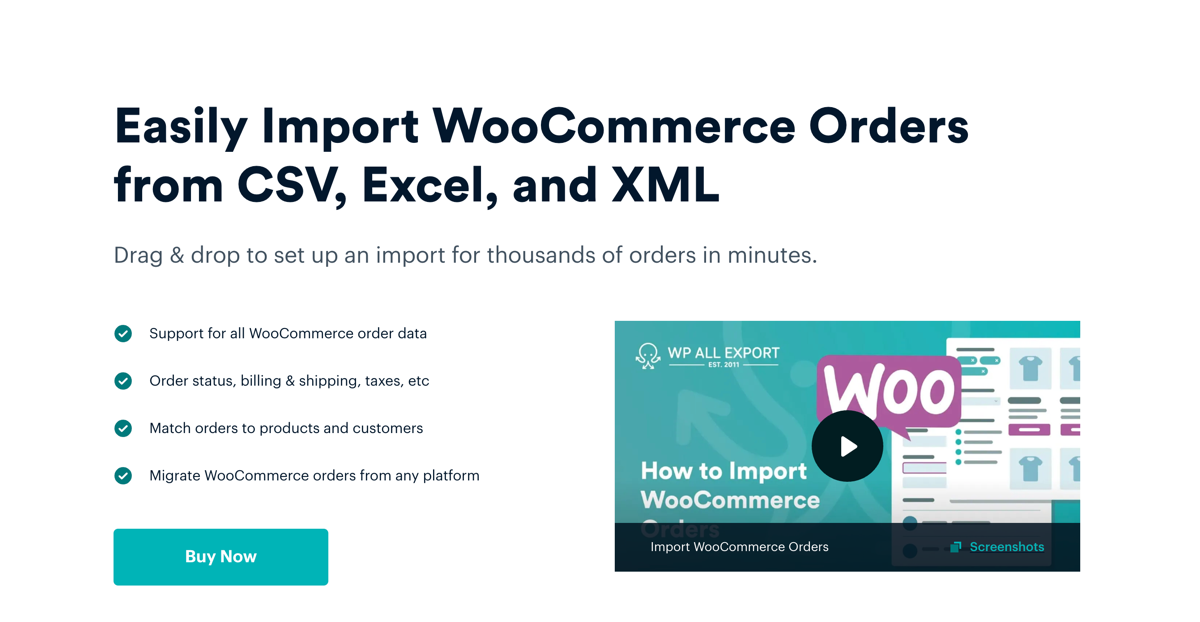
WP All Import is a WordPress import plugin that builds WooCommerce orders from CSV, Excel and XML files without a fixed column layout. That is why it takes first place here as the file arrives in whatever shape the sender used, and the plugin does the reshaping.
Automatic Setup reads the uploaded file, maps each column to a WooCommerce order field, and groups rows that share an order ID into a single order. A Shopify export with three products on three rows therefore arrives as one order holding three line items. Automatic Setup reports a “Unique identifier may not be unique” warning on that layout, which is expected, because the repeated order ID is what groups the rows. A pipe-separated file takes one pass through Manual Setup, where each packed value becomes its own line item.
Key Features
- Automatic Setup sits at All Import › New Import, behind the Set up automatically button.
- Order Items › Products maps product name, quantity, Existing Product Identifier and price per unit.
- Existing Product Identifier links a line item to a WooCommerce product by SKU, product ID or title.
- Fees, coupons, shipping, refunds and totals each have their own tab under Order Items.
- Orders import into High-Performance Order Storage tables, WooCommerce’s default order storage since version 8.2.
Pricing
- $169/year for the WooCommerce Import Package, pairing Import Pro with the WooCommerce Import Add-On.
- $299/year for the Import + Export Pro Package, adding WP All Export for moving orders between stores.
- $1,299 one-time for the Lifetime License, with a 90-day money-back guarantee on every package.
2. Import WP
Import WP is a WordPress import plugin whose free WooCommerce add-on includes a dedicated WooCommerce Orders template. That is why it takes second place here. Rather than writing to generic post fields, the template fills WooCommerce’s own order fields, with Order Fields, Customer, Billing Address, Shipping Address, Line Items and Order Totals each taking its own input.
The template expects one record per order, with each product added as a repeatable Line Items row inside it. A Shopify-style export gives every product its own row, so an order with three products occupies three rows, and the file has to be pivoted before it imports, with sku_1 and qty_1 mapped, then sku_2 and qty_2. Re-runs replace the line items already on the order, so a file that lists one product per row cannot build that order up over several passes.
Key Features
- Import WP › Add Importer starts a new importer, and the template step sets the target to WooCommerce Orders.
- Order Fields covers order key, status, currency, date created, payment method and transaction ID.
- Customer matches an existing account by ID, email or username, and a lookup that misses creates a guest order.
- Line Items takes a product by SKU or ID, a quantity and an optional line total.
- Leaving Order Total empty makes WooCommerce calculate the total from the mapped line items instead.
Pricing
- The plugin and its WooCommerce add-on are free on WordPress.org.
- Pro starts at $49/year for one site, $149 for ten and $249 for unlimited, adding custom fields and scheduled imports.
- Pro carries a 7-day money-back guarantee.
3. WPSyncSheets for WooCommerce
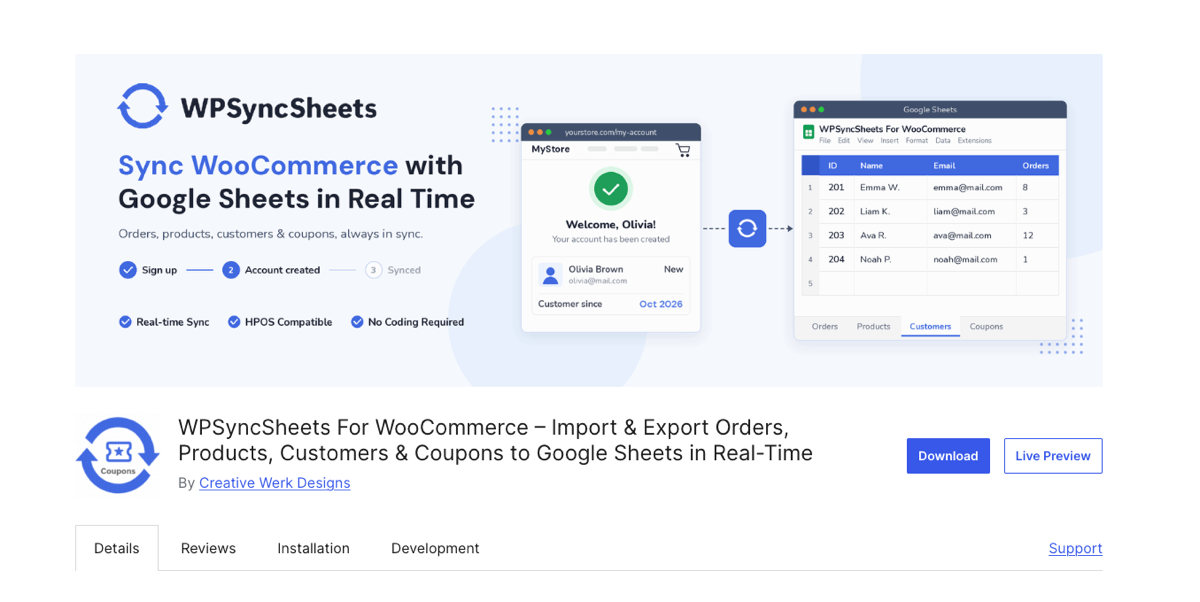
WPSyncSheets for WooCommerce imports WooCommerce orders from a Google Sheet, with the Order Wise mode reading one order per row and the Product Wise mode reading one product per row. It takes third place because it is the only plugin here that imports from a live document rather than a file. The sheet it reads is the one the plugin already fills, so an order in the store arrives there with its ID, status and totals intact, ready to be edited and sent back.
Importing from the sheet needs WPSyncSheets for WooCommerce Pro. The free plugin on WordPress.org imports orders from a local CSV or Excel file instead, with a validation preview that counts valid and error rows before anything is written. A store on the free build therefore exports to Sheets and cannot return the edits.
Key Features
- WPSyncSheets › Order Settings › Import Orders enables Insert, Update and Delete, and each enabled action adds its own column to the sheet (Pro).
- Typing 1 in the Insert column marks that row for creation, and Import Order then Proceed writes it to WooCommerce (Pro).
- The products cell takes Cap(3)(123), Belt(5)(456), with quantity defaulting to 1 when the brackets are left empty (Pro).
- Local CSV and Excel order files import through a validation preview that counts valid and error rows before writing (Free).
- Click to Sync sends the existing order book to the sheet, and new orders append from then on (Free).
Pricing
- Free on WordPress.org, covering real-time export to Google Sheets and local CSV and Excel order imports.
- Pro starts at $59/year for one site, or $249 as a one-time lifetime licence.
- Pro adds the Google Sheets to WooCommerce direction, scheduled auto import and bulk import.
4. WP Ultimate CSV Importer
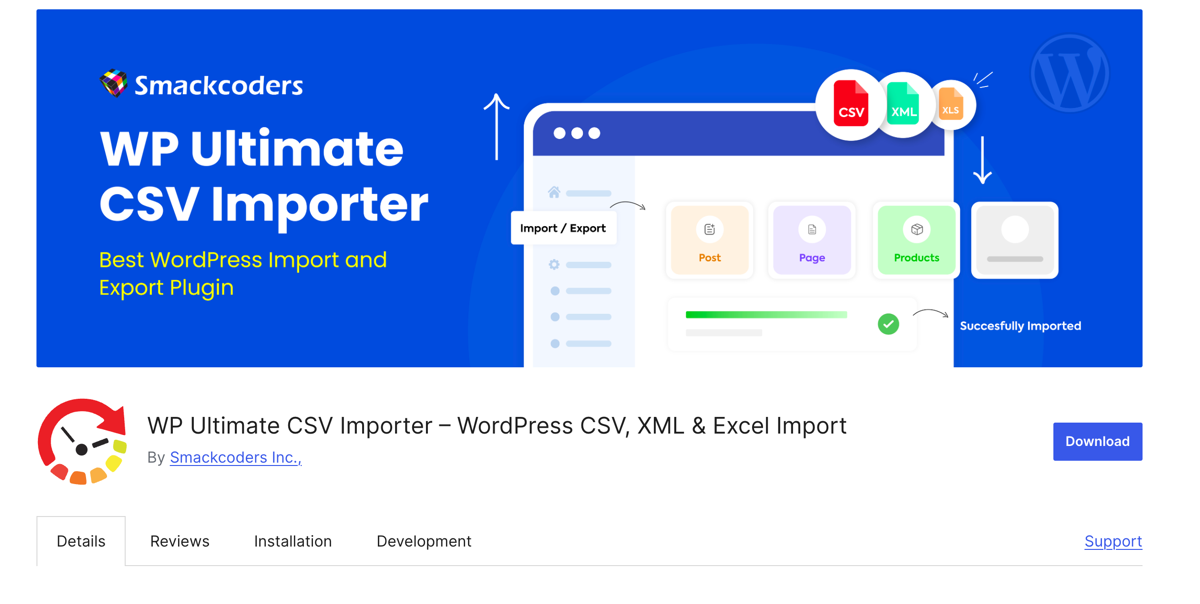
WP Ultimate CSV Importer is a general WordPress import plugin, and WooCommerce orders reach it through a separate add-on called Import WooCommerce Suite, which is free as well. Order files arrive as CSV, XML or Excel, and the add-on maps them to WooCommerce order fields through Advanced Mode dropdowns or Drag and Drop Mode.
It takes fourth place because that mapping is where the work sits. Headers map automatically only when they match WooCommerce field names exactly, and an export from another platform rarely does. Duplicate handling compares record content and post titles rather than order IDs either, so a second run has no stable key to match orders on.
Key Features
- The Import/Update tab takes a file from a desktop upload, an FTP/SFTP server, a URL or the server itself.
- Setting “Import each record as” to WooCommerce Orders, then choosing Fresh Import or Update Content, starts the flow.
- A finished mapping can be saved as a template and reused on the next order file.
- Import Settings add a rollback point, maintenance mode, duplicate handling and batch processing.
- Import logs are written in real time and can be downloaded after the run.
Pricing
- The core plugin and the Import WooCommerce Suite add-on are both free on WordPress.org.
- Pro is a one-time payment: $199 for Custom Fields Import and $299 for Premium, both covering unlimited sites.
- Every paid plan includes lifetime updates and one year of support.
Which WooCommerce Order Import Plugin Should You Choose?
An order file can put three products in one cell. Import it as it is and the order arrives with one line item, carrying one price.
WP All Import imports WooCommerce orders from CSV, Excel and XML files without a fixed column layout. Automatic Setup reads the uploaded file and maps each column to a WooCommerce order field, and rows that share an order ID are grouped into one order. A cell holding several products is split under Order Items › Products, where Existing Product Identifier links each line by SKU, product ID or title. Shipping, fees, coupons and refunds land as their own order lines, and totals stay as the file states them. Imported orders do not email buyers, do not touch stock, and a re-run updates the same orders.
WPSyncSheets for WooCommerce suits orders kept in a sheet, Import WP suits a file built to its template, and WP Ultimate CSV Importer suits a CSV that already matches.
Common Questions About WooCommerce Order Import
Does WooCommerce have a built-in order importer?
No. WooCommerce ships without an order importer, and its built-in importer reads product CSV files only. Importing orders takes a plugin, and WP All Import adds WooCommerce Orders as a full import type with order fields of its own.
Can I import WooCommerce orders from an Excel or XML file?
Yes. WP All Import reads CSV, Excel and XML order files directly, with no conversion of a workbook to CSV first. Automatic Setup maps the columns to WooCommerce order fields on upload, and dates and order numbers stay as they were entered.
Will importing the same order file twice create duplicate orders?
No, once the import has a unique identifier set. WP All Import stores that identifier on each order, so a second run of the same file updates the orders created by the first run instead of adding another copy.
How do I stop WooCommerce emailing customers about old orders?
WP All Import blocks WooCommerce order notification emails during an order import by default, so customers hear nothing about purchases made months or years ago. The block applies to every import until it is turned off in that import’s settings.
Does importing orders change product stock levels?
No. WP All Import leaves stock untouched during an order import, because those sales were already counted against inventory once. A store that wants stock reduced on import adds a routine that does it.
How do I move orders from one WooCommerce store to another?
Export the orders with WP All Export, which carries line items, refunds and order notes into the file, then import that file on the destination store with WP All Import. Products and customers import first, so line items and orders have something to match.