
The 4 Best Plugins for Importing WooCommerce Products from XML
Supplier XML feeds don’t arrive in tidy rows. A wholesaler nests each variant inside its parent product, wraps the gallery in its own repeating node, and buries descriptions inside CDATA blocks. Flatten that to CSV and you throw away the structure that told the import which variant belonged to which product.
We ran four plugins against the same 240-product supplier feed, then ran each of them a second time on a revised version with 40 prices changed and three products withdrawn.
In this article, we’ll compare four plugins that let you import supplier XML into WooCommerce, ordered by how each handled those two runs.
WP All Import
WP All Import is our top pick of the best plugins for importing WooCommerce products from XML because it reads the feed’s document tree and builds the field mapping without a hand-written XPath expression. In our test, nested variations attached to their parent products on the first pass, and the repeat import updated 40 changed prices by SKU without creating a single duplicate.
Visit WP All Import →We built one supplier XML feed and ran all four plugins against it unchanged. The file held 240 products, with variants nested inside <variant> child nodes, images wrapped in repeating <image> nodes, a CDATA description block, and three products with empty image elements.
For each plugin, we checked whether the mapping worked without a hand-written XPath, whether variations attached to the right parent product, whether gallery order survived, and whether it could pull the feed from a URL.
We then ran a revised version of the feed with 40 prices changed and three products removed, to see whether each plugin updated existing products or created duplicates. All tests ran on WooCommerce 10.6 with PHP 8.5.
What We’ll Cover
1. WP All Import
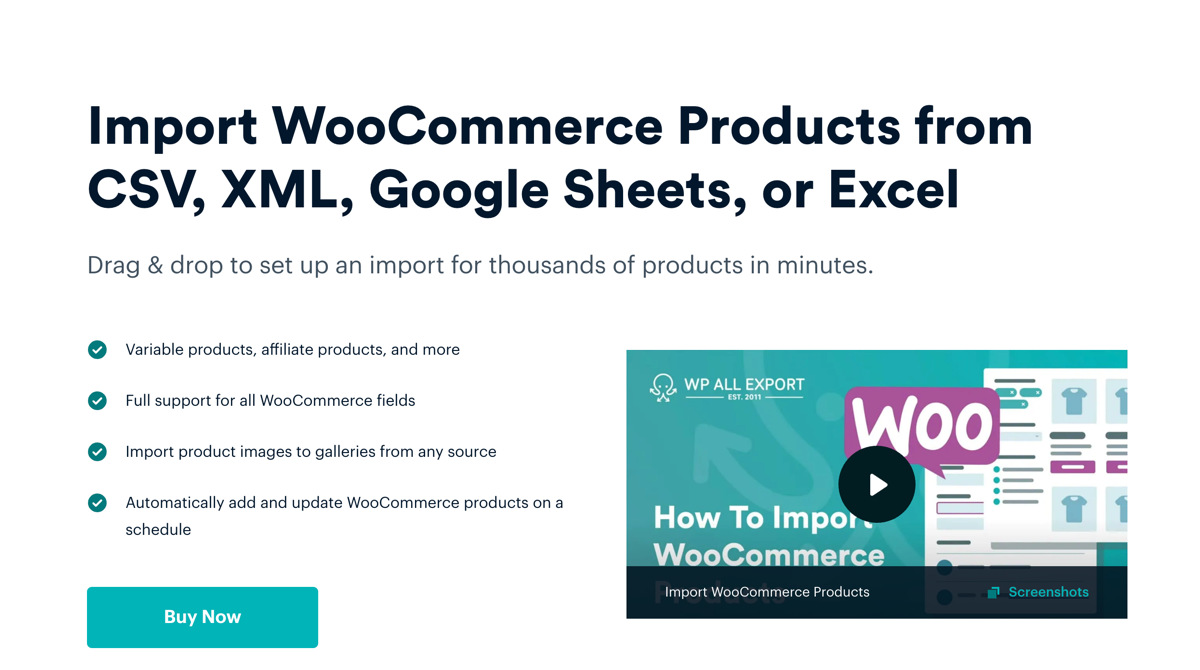
Our test feed loaded in under a minute and Automatic Setup handled the mapping without help. WP All Import found the product element on its own, then filled in the title, SKU, regular price, stock, and image fields before we opened the template. Variations were the part we expected to fight. The template editor instead offered a choice of structures with a sample diagram beside each one, and the nested variant nodes linked to their parents on the first pass.
The repeat run is where WP All Import separated itself from the rest. It matched records by SKU, applied the 40 price changes, and ignored the three products we had removed from the feed until we set a rule for missing records. Nothing duplicated.
Key Features
- Automatic Setup proposes the full field mapping on upload, and the result stays editable as a template rather than locking you into what it guessed.
- Dragging an element out of the XML tree writes the XPath for you, attributes like @currency included, so the mapping stays readable when a supplier renames a tag.
- Four linking methods cover supplier variation structures: parent SKU, parent ID, group ID, and XML child elements.
- Image fields accept repeating nodes and skip empty ones, which kept the three image-less products from failing the run.
- Files come from a local upload, a URL, or an FTP/SFTP server, at up to 256 MB each.
- A saved import can be scheduled hourly, daily, weekly, or monthly without rebuilding the template.
Pricing
- WooCommerce Import Package: $169 per year, unlimited site installations.
- Ultimate Lifetime Package: $1,299 one-time, covering current and future add-ons.
- A free core plugin is available on WordPress.org with limited features.
2. Import WP
Import WP is the only plugin on this list that asks nothing before it starts. The core plugin and its WooCommerce add-on both install from WordPress.org for free, and the importer opens on Tools › Import WP with a file selector and a blank mapping screen.
Mapping the same 240-product feed took us eighteen minutes. You click into the XML structure on one side, pick a WooCommerce field on the other, and repeat for every element, including each variation field. Nothing is suggested and no XPath is generated. That control is the point: our CDATA description block mapped correctly because we chose it, not because the plugin guessed.
Once we set SKU as the unique key, the second run behaved. Prices updated, the three withdrawn products stayed untouched, and no duplicates appeared. Without that key configured, the same run writes 240 new products, so the setting carries real weight here.
Key Features
- Visual node selector for XML and CSV, with remote URL, FTP, and Google Sheets as file sources.
- Unique key matching on SKU or ID, which decides whether a run inserts or updates.
- Media duplicate checking prevents re-downloading images already in the library.
- Pro adds scheduled runs on WP-Cron or a server cron, background batching, and custom field mapping.
Pricing
- Free core plugin and free WooCommerce add-on.
- Pro licence from $59 per site, adding scheduling, background processing, and custom fields.
3. Product Import Export for WooCommerce
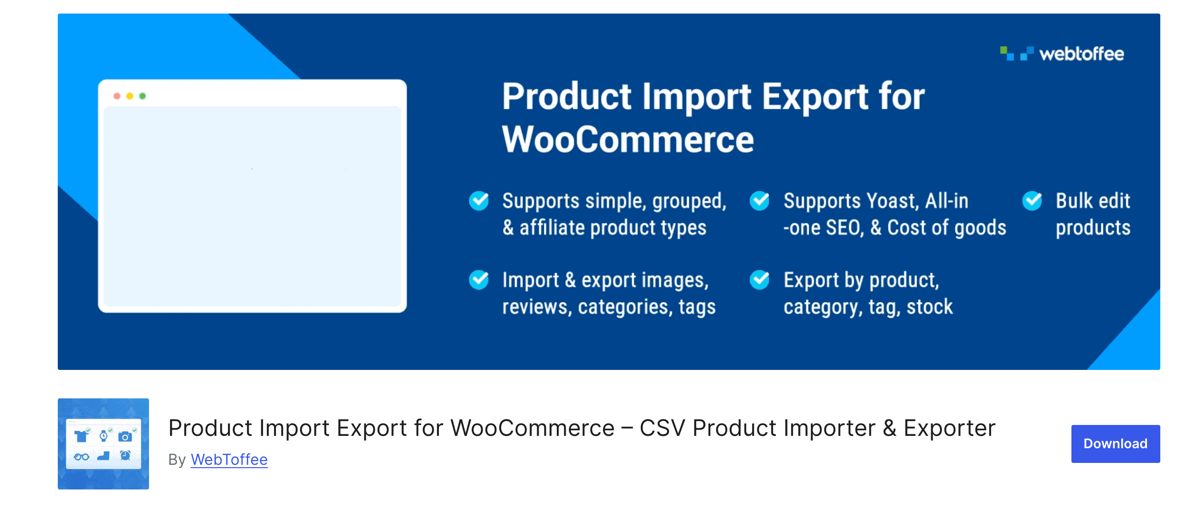
WebToffee’s importer carries a name that promises less than this article needs, and the review reflects that gap. The listing advertises CSV import and export, and XML support only arrives in the premium tier, which we confirmed by testing the free version first and watching it reject the file.
Once upgraded, the import follows a wizard: choose Product, upload, map columns to fields, run. The mapping is dropdown-based, one element at a time, similar to Import WP in effort but without the visual tree. Our first pass put the 240 products in the store correctly, price and stock included.
Variations are where it broke. The feed nests each variant inside its parent element, and the importer expected a flatter layout with parent and child rows separated. We restructured the file by hand before the run would produce a single variable product. The repeat import updated prices by SKU once we configured the field, and the three withdrawn products stayed in place.
Key Features
- CSV import and export for simple, grouped, and external products in the free version.
- Premium adds variable product support, XML files, and scheduled runs over FTP/SFTP with WordPress cron or a server cron.
- Column mapping during import, with bulk updates to stock, price, categories, and tags.
- Order, coupon, and customer import sit in the same plugin family if the store needs them later.
Pricing
- Free version for CSV products.
- Premium from $69 per year for variable products, XML, and scheduling.
4. FeedPup
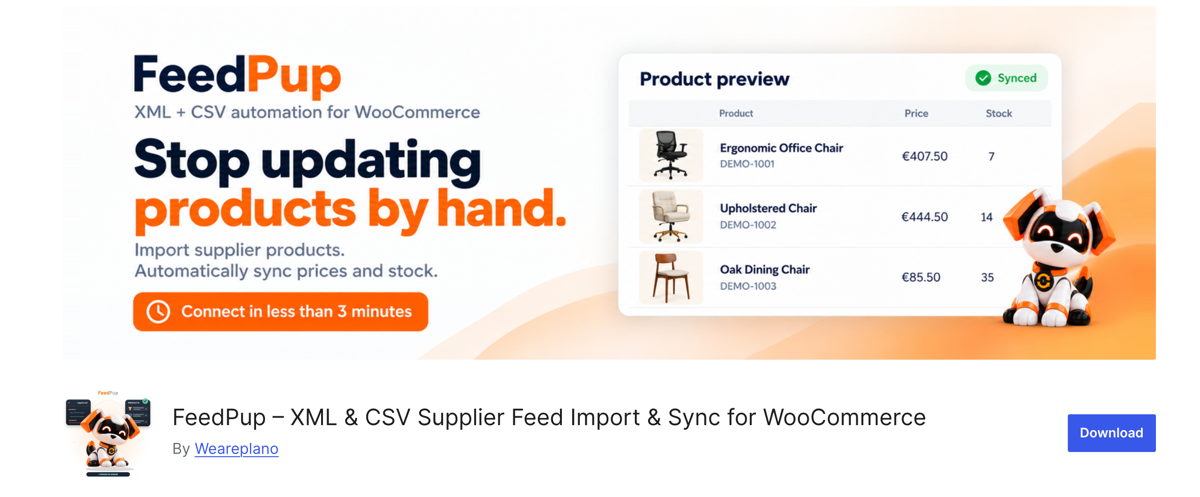
FeedPup works differently from the other three. There is no mapping screen and no template to build. You connect the store, paste the supplier feed URL, and the hosted service reads the file and suggests which element holds the title, SKU, price, and stock count. You confirm or correct each suggestion, preview the products, and import.
On our feed it found the product element and the image nodes on its own. The variation structure needed two corrections, because the nested <variant> children were mapped as separate products until we reassigned them. After that, the draft import produced the records we expected.
What we can’t tell you matters more than what we can. FeedPup appeared on WordPress.org in October 2026, sits at version 0.1.x, and has fewer than ten active installs with no reviews at all. We have no evidence of how it behaves on a 50,000-product catalog, how it handles a supplier changing the schema mid-season, or what happens to a store’s imports if the hosted service goes down. Everything the plugin does depends on that service, and there is no XPath access or PHP editor to work around a mapping it gets wrong. We would not move a production catalog onto it.
Key Features
- Suggested field mapping read from the feed’s own structure, with a confirmation step before anything imports.
- Free tier imports up to 100 products as WooCommerce drafts, with no card required.
- Scheduled price and stock sync on paid plans, limited to the products FeedPup imported.
- XML and CSV feeds by URL or upload, with images copied into the Media Library.
Pricing
- Free tier: up to 100 draft products, no card required.
- Paid plans from €9.99 per month for full imports and scheduled sync.
Which XML Import Plugin Should You Choose?
For a supplier feed that arrives on a schedule and nests variations, we recommend WP All Import. Automatic Setup handled our file without a hand-written XPath, the four linking methods covered the variation structure, and the repeat import updated 40 prices without touching anything else. That combination is what a monthly feed actually needs.
Choose Import WP if the budget is zero and the feed is stable. Its visual selector mapped every field we pointed at it, and eighteen minutes of setup is a reasonable price for a plugin that costs nothing.
Choose Product Import Export for WooCommerce if the catalog is small and the feed already resembles a WooCommerce export.
Choose FeedPup only to preview a feed before committing to anything. Fewer than ten installs and no reviews mean we can’t recommend it for a production catalog yet, and a plugin at version 0.1 that depends on a hosted service carries risk the other three don’t.
Common Questions About Importing WooCommerce Products from XML
Can WooCommerce import XML files without a plugin?
No. The built-in importer under Products › All Products › Import accepts CSV and TXT files, so an XML feed has to be converted before WooCommerce will read it. Every plugin in this article reads XML directly, which keeps the nested structure intact.
How do I import a supplier XML feed into WooCommerce?
To import a supplier XML feed into WooCommerce, install an importer that supports XML, connect the feed by URL or upload, map its elements to product fields, preview a few records, then run the import. WP All Import does the mapping through Automatic Setup and keeps the configuration as a template you can schedule.
Why did my XML import create duplicate products?
An XML import creates duplicate products when the plugin can’t match incoming records to ones already in the store. Set SKU as the unique identifier before the first run, and every later import updates the existing product instead of writing a second one.
What is XPath, and do I need to learn it?
XPath is the query language that points at a specific element inside an XML file, such as a price stored in an attribute rather than its own tag. You only need it when the feed puts data somewhere the automatic mapping can’t reach. WP All Import writes the expression for you when you drag an element into a field.
Do these plugins import product variations from XML?
Yes, though not equally well. WP All Import and Import WP attached the nested variant nodes to their parents on the first pass. Product Import Export for WooCommerce needed the file restructured first, and FeedPup required two mapping corrections before the variations landed.